
Before you begin
Use the account and beta access arrangement confirmed by ProDart360. Do not rely on public download or purchase instructions: the app is not publicly available yet.
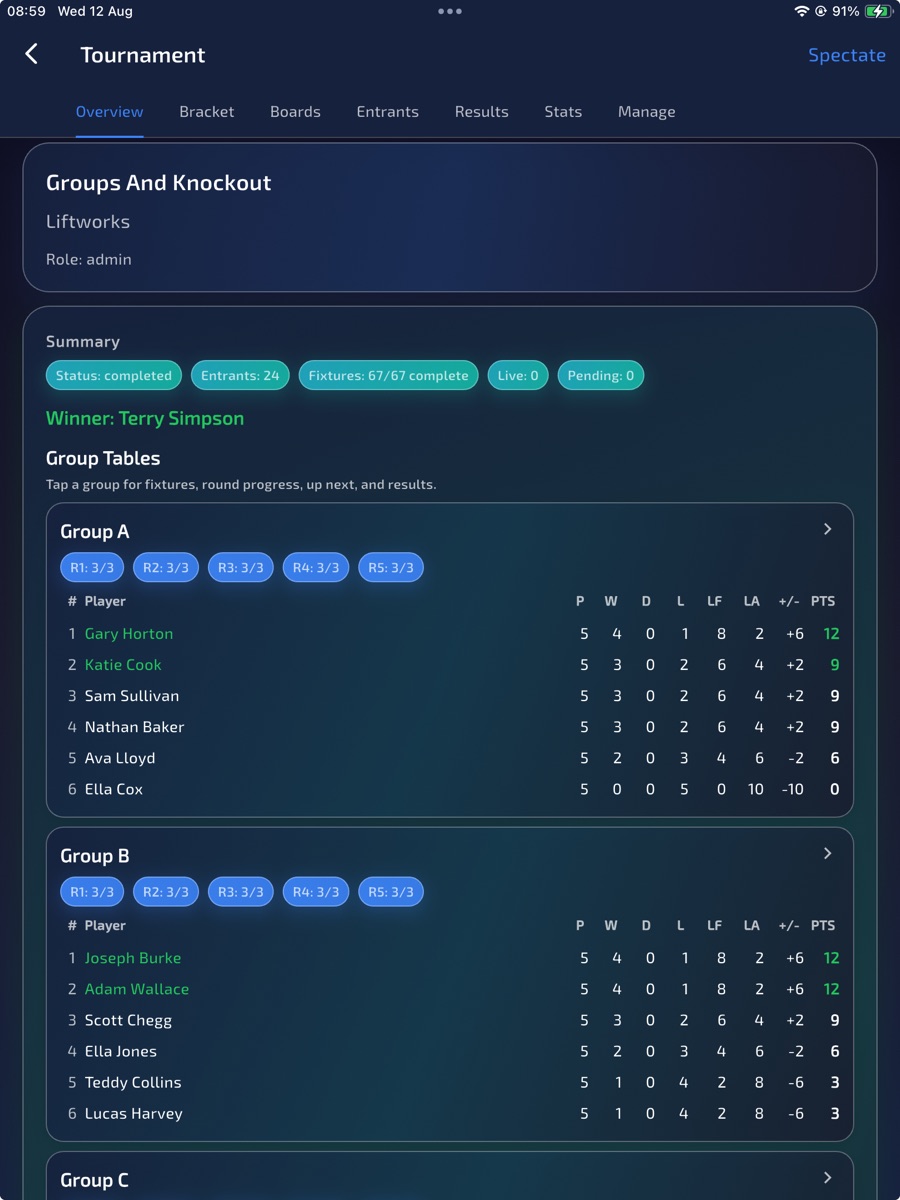
Create the tournament and add players.
Confirm that tournament tools are enabled for your organiser beta group before inviting players.
Choose the group and qualification structure.
Add the players and choose the group or qualification structure currently supported by the build.
Assign fixtures to available boards.
Assign fixtures to available boards and use the queue view to communicate what is next.
Enter results and confirm progression into the knockout rounds.
Enter results and check progression into the knockout rounds. Report any mismatch with the tournament structure to beta support.
Finished
If the expected result does not appear, send the beta team your device, operating system, app version, account email and the steps needed to reproduce it.